PIXELUP
Turn any image into 4K
Drop a blurry photo, get a pristine ultra-high-definition version back in seconds. AI-powered. One click. No software to install.
See it in action
Hover to pause. Drag any slider to compare.
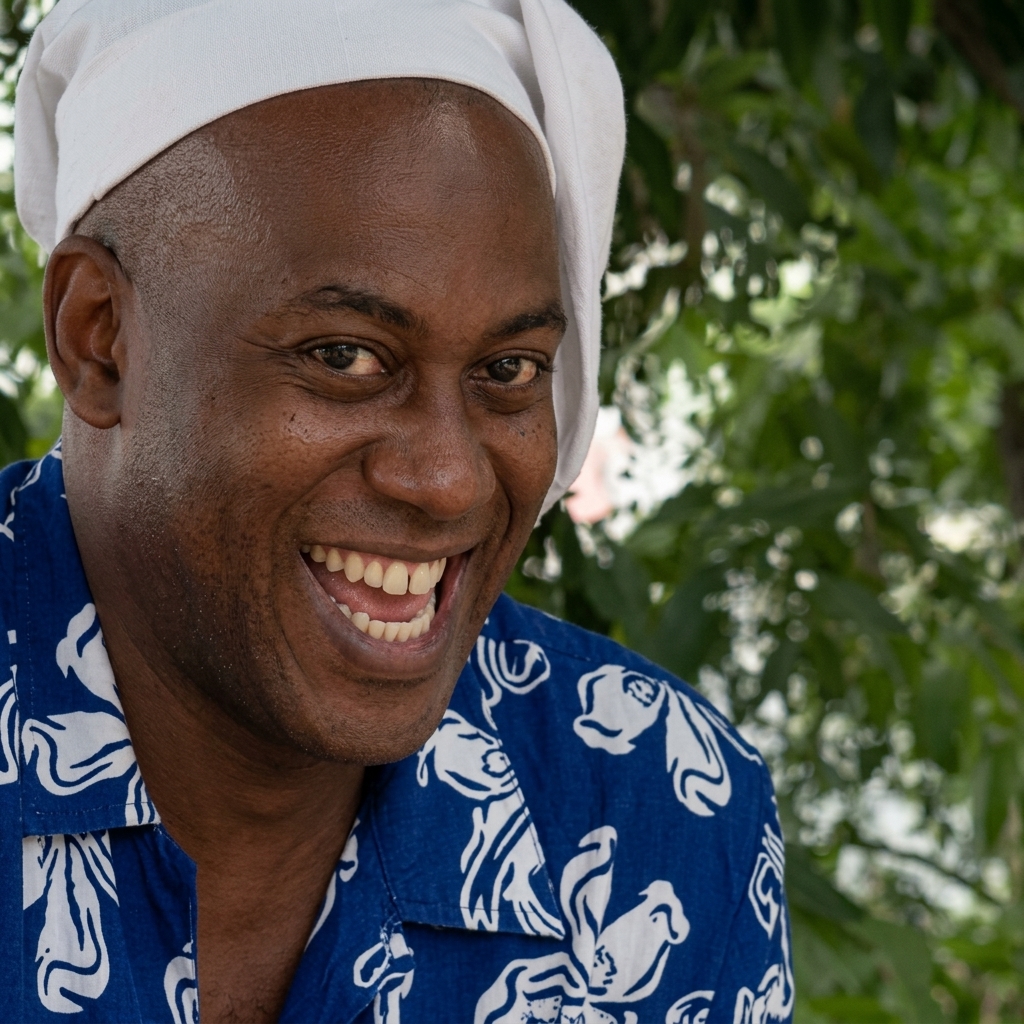
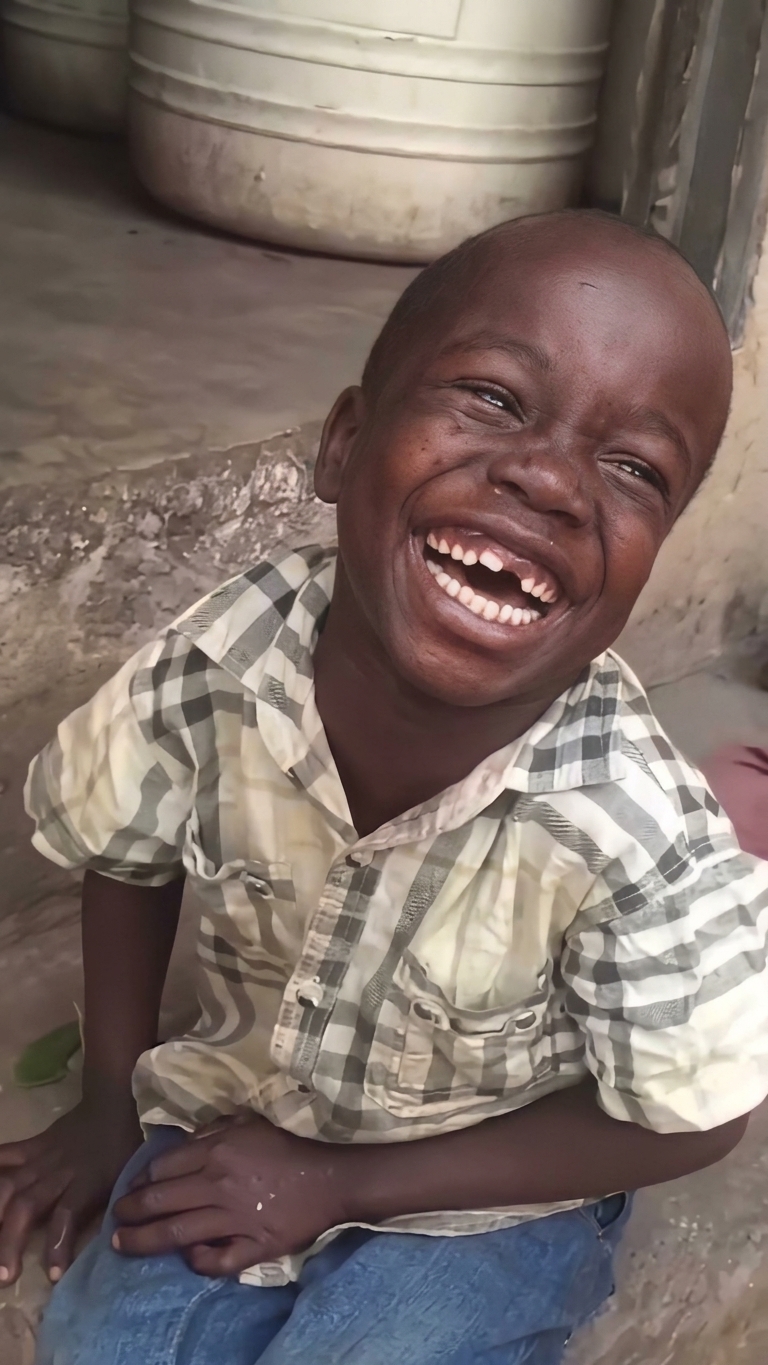
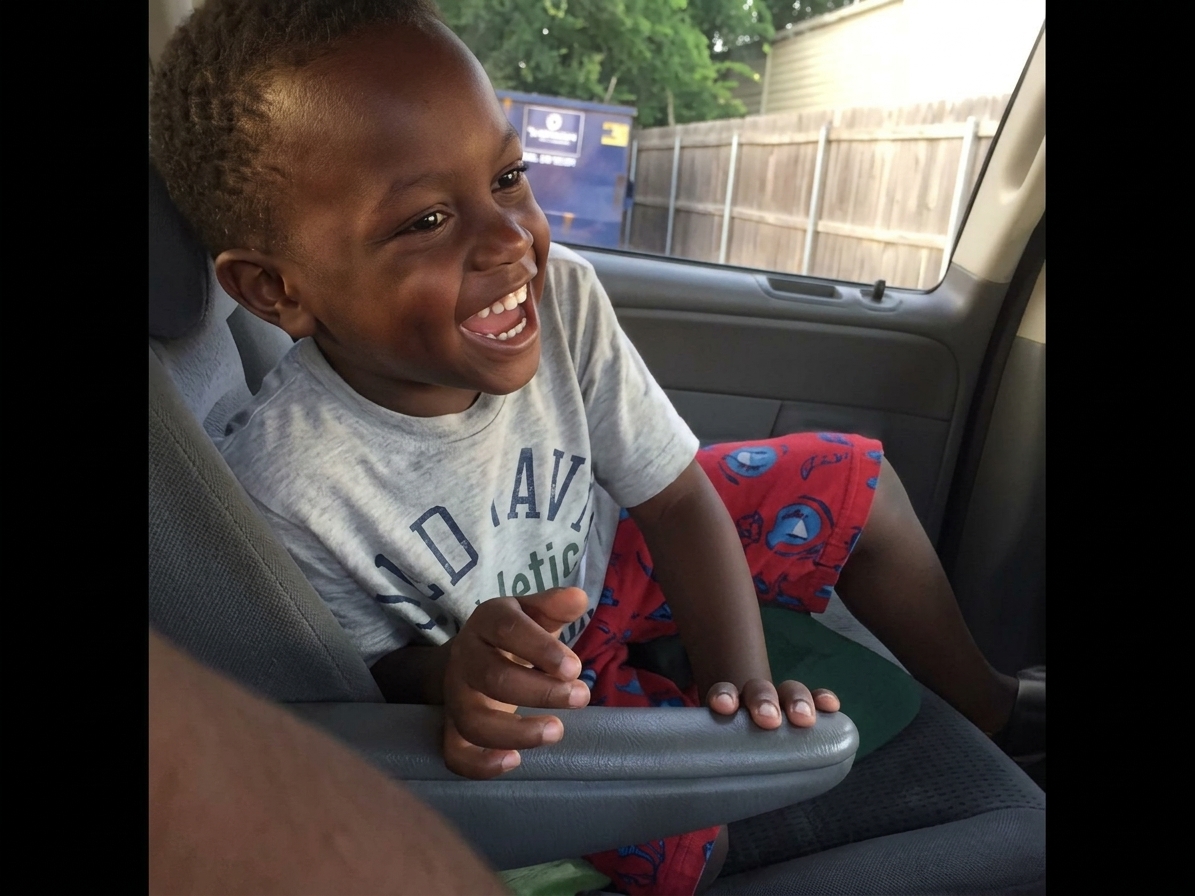
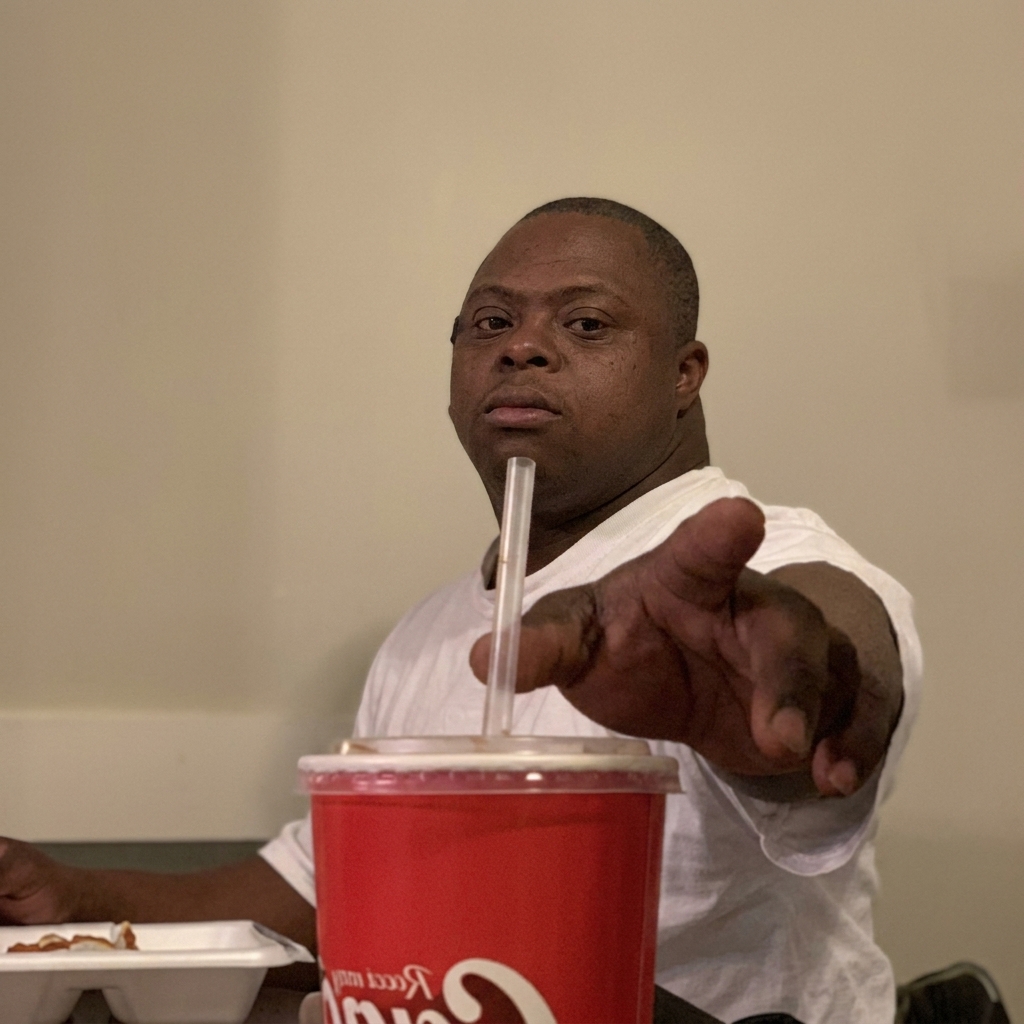
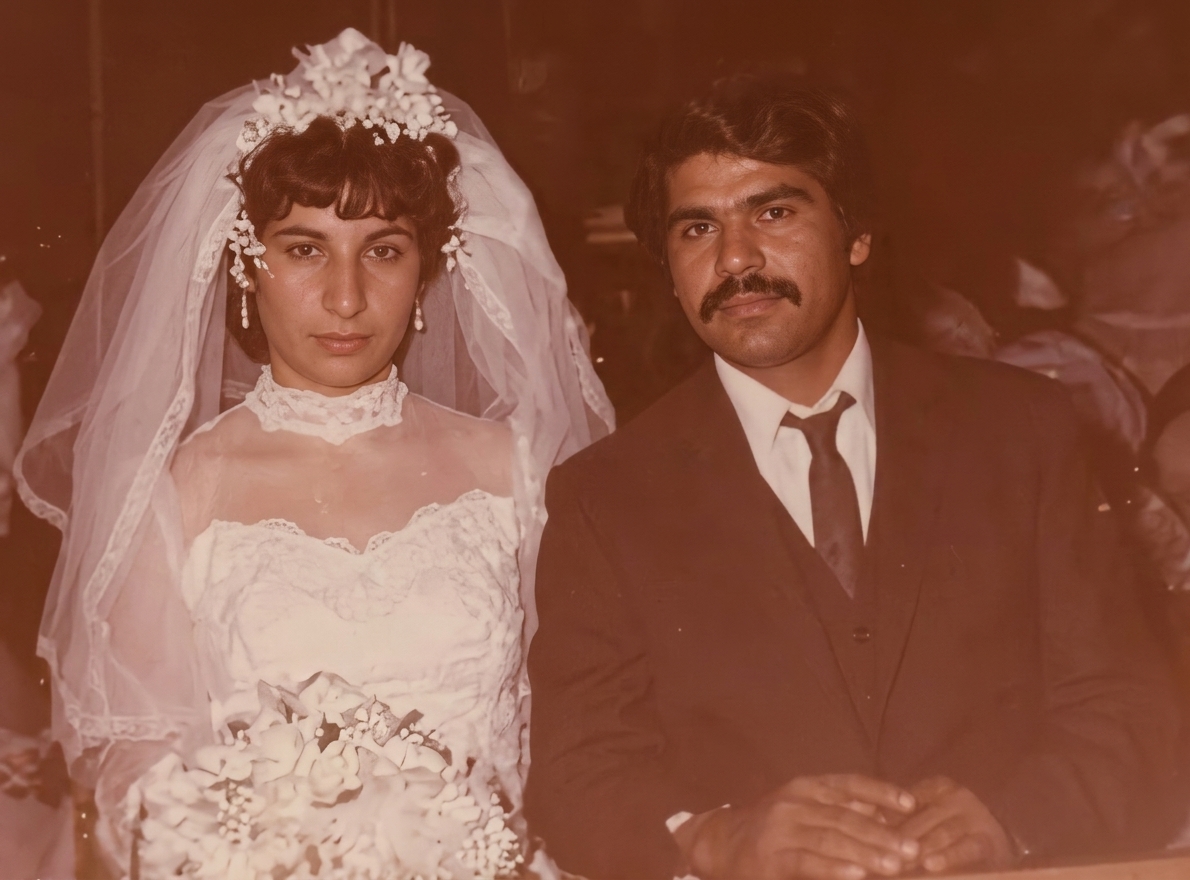
Featured
Restoration without reinterpretation
- Every freckle, pore, and stray hair preserved
- Compression artifacts erased, edges resolved
- No smoothing, no beautifying, no drift
Built for fidelity
Restoration-grade output, not creative reinterpretation
Every freckle, every hair strand, every fold of fabric stays exactly where it was. No smoothing. No beautifying. No drift.
Sharpens soft edges and pulls back micro-detail lost to compression — pores, eyelashes, fabric weave, foliage.
Drop the file, click Enhance, download the result. Works on every modern browser. No desktop software, no plugins.
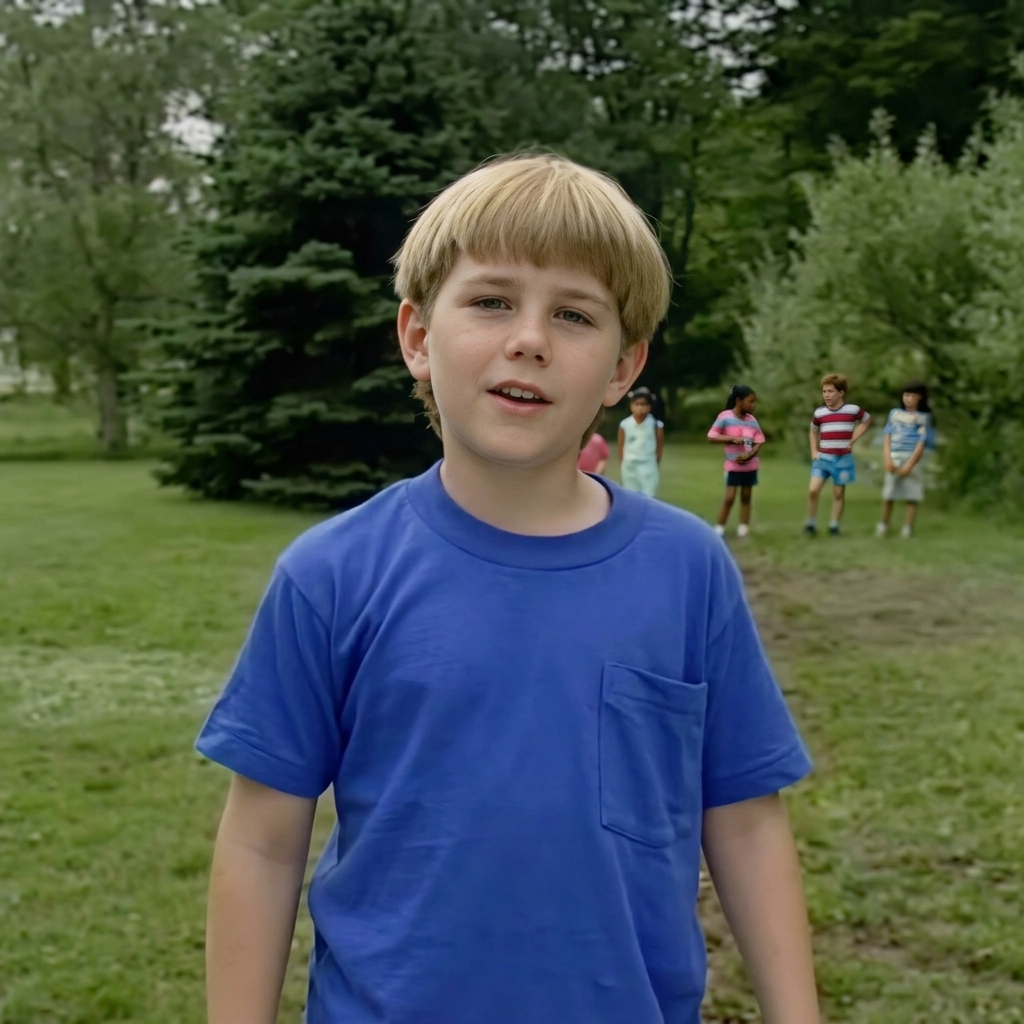
How it works
- Step 1
Drop your image. JPG, PNG, or WEBP up to 10MB.
- Step 2
AI restoration recovers detail while preserving every feature of the original.
- Step 3
Compare before and after side by side, then download the result.
Ready to enhance?
Sign up in seconds. Cancel anytime.